
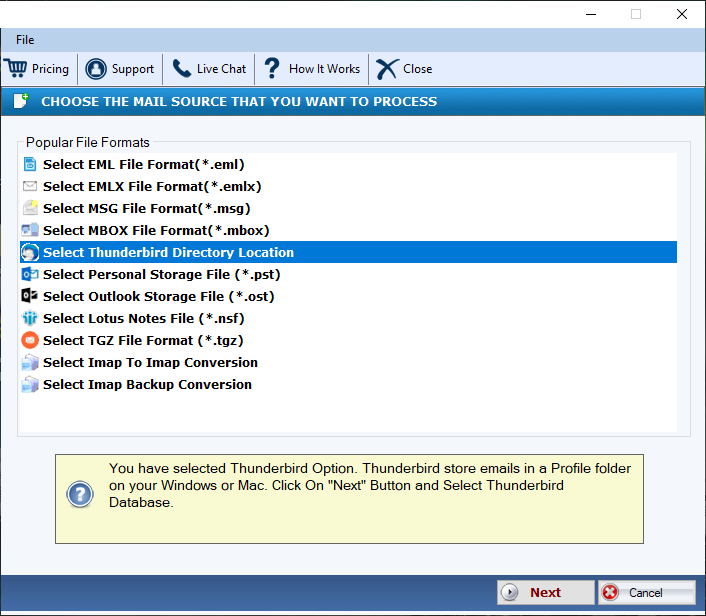
Use the DailySoft Thunderbird to IMAP Migrator Software to convert Thunderbird into IMAP. One of the most useful and successful ways to quickly and simply move a large mailbox folder between two Thunderbird files is with this free software. Users with no previous technical skills can use the software. Even someone who knows very little about computers can complete the process because it is that easy. It is safe because user login data is not stored in the program's database. The date, subject, and time should be included in emails, along with a variety of other elements, including graphics, hyperlinks, different font sizes, and styles, to, from, cc, and bcc. Users of the DailySoft Thunderbird to IMAP Converter sample can download and run the sample version of the program to convert a few Thunderbird files to IMAP format and observe how it works. The user interface of the program was designed to be as simple to use as possible for any user. Ask any of our support staff members if you have any questions. As an alternative, you can see the manual guide for more information. Which database to transfer is entirely up to the user. Moving all or part of an email folder is simple for users. Furthermore, by eliminating superfluous entries, you can use easily filters to migrate the database for a specific amount of time. Installing DailySoft Thunderbird to IMAP Importer Software for Windows 10, 8.1, 8, 7, Vista, XP, and previous versions is a simple process. The tool does not require the installation of any additional software to import Thunderbird into IMAP. You can try out a tool for free before purchasing it. User support for the program is available 24/7 in case you have any questions.



