
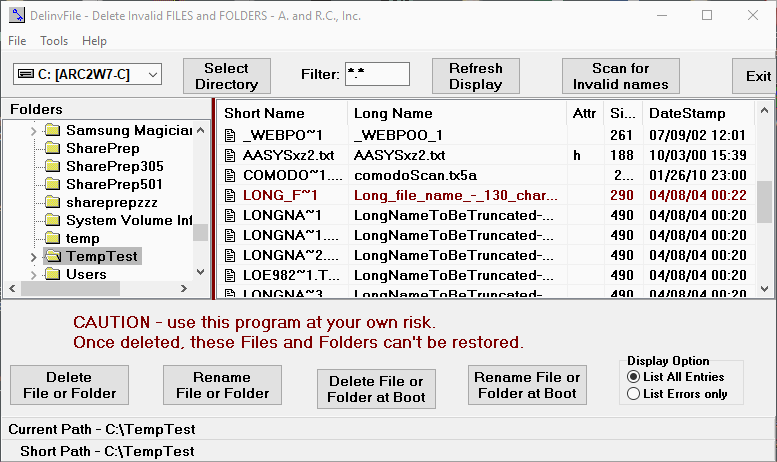
Delete invalid Files - DelinvFile - is a Windows Utility that you can use to delete data files and folders that you are not able to delete using the standard Windows Delete function. DelinvFile provides a convenient User Interface for selecting the file or folder that you need to delete and provides for a choice of two delete methods. You use the standard controls for Drives, Folders, and Files to navigate to the Folder or file to be deleted. Note that Filenames are displayed in both forms - Short FileName and Long Filename as a convenience for the user. Once an item has been highlighted and selected, you can click the Delete buttons to try to delete it. Now includes a function to Scan for Invalid and Too-Long Names. Recent versions include new options. These include Rename File, Rename Folder, 'Delete File at Boot', 'Delete Folder at Boot' and an 'Open With..' function for allowing you to open your choice of program to view a selected file. Recently implemented a function for deleting empty folders via the Scan Window. Now capable of deleting near-infinite folders levels which handles the scenario in which subfolders have been created recursively and number in the thousands.



