
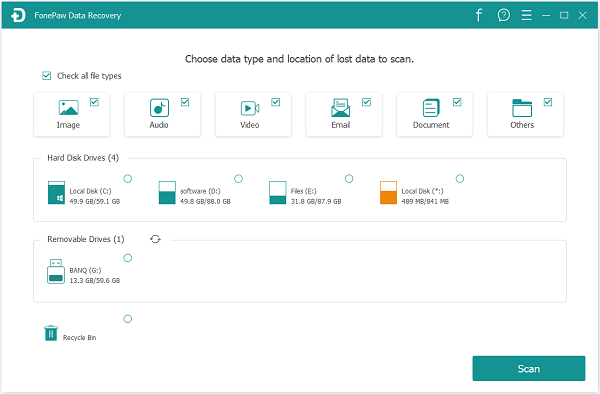
The Top Data Recovery you should keep on your computer is FonePaw Data Recovery. Only 3 clicks are needed to recover your deleted/inaccessible/hidden/corrupted files on Windows: Launch, Scan and Recover. As for scanning, you can select quick scan and deep scan to access your Windows files, including images, videos, audios, emails, documents, etc. Then you can preview files after scanning and recover them from your hard drive, memory card, digital camera, flash drive, partition and other removable drives, even from the recycle bin. Some of the scanned results cannot be previewed due to their formats but you can still retrieve them back to yourself.



