
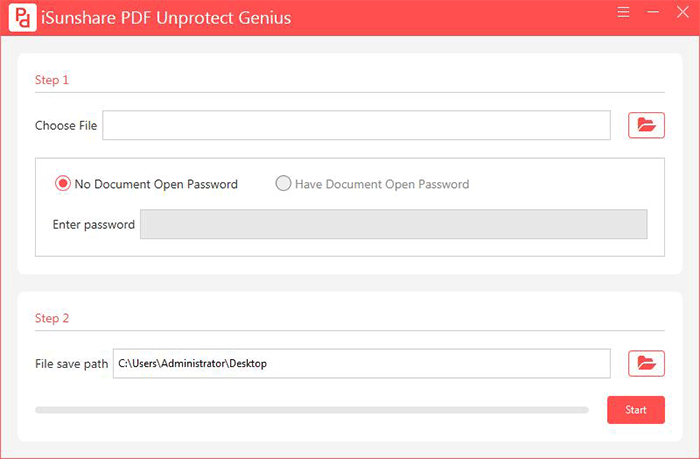
iSunshare PDF Unprotect Genius can safely remove permissions passwords from PDF in minutes. It enables users to copy, print, edit the PDF content after unlocking. iSunshare PDF Unprotect Genius allows you to unlock the restricted PDF without a password. It will automatically detect whether there is a document open password on the PDF. If the PDF is set with a document open password, you need to enter the password firstly. After that, you can click the Start button to get the unprotected PDF. When you get the unprotected PDF file, you can copy, edit and print it if needed. Besides, you can find there is no damage to the PDF content.



