
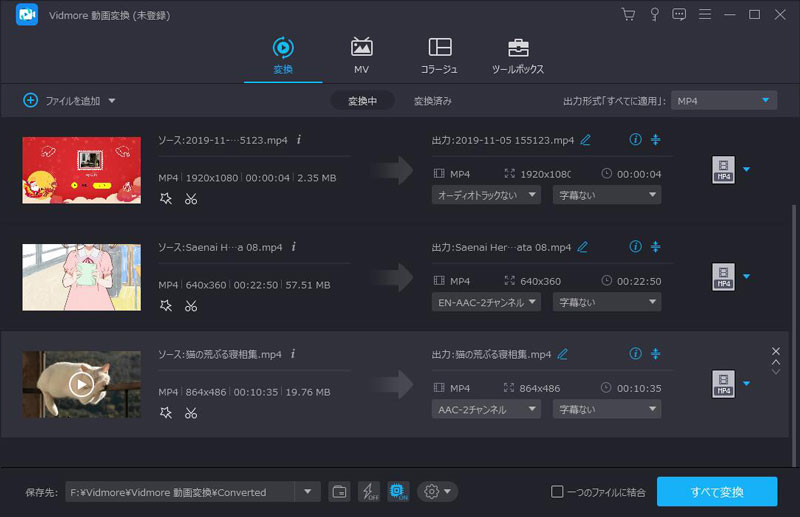
Vidmore video conversion supports the conversion of all common video formats. You can convert video files to different formats and export them to different devices. You can easily select the file output format and convert the video. As the number of supported formats increases, the software becomes more powerful. With Vidmore video conversion, you can create your own beautiful MV movies from captured images and videos. Use the MV template to create good memories of wedding photos and videos, travel photos and videos, and photos of growing up. Add your favorite photos, videos and music and you can create personalized slide movies in a few minutes. With Vidmore video conversion, you can convert video while ensuring video quality. If you convert the video from 1080p HD to 4K Ultra HD, the original quality of the video can still be guaranteed. Professional video processing algorithm technology can make the file size smaller while maintaining higher image quality.



